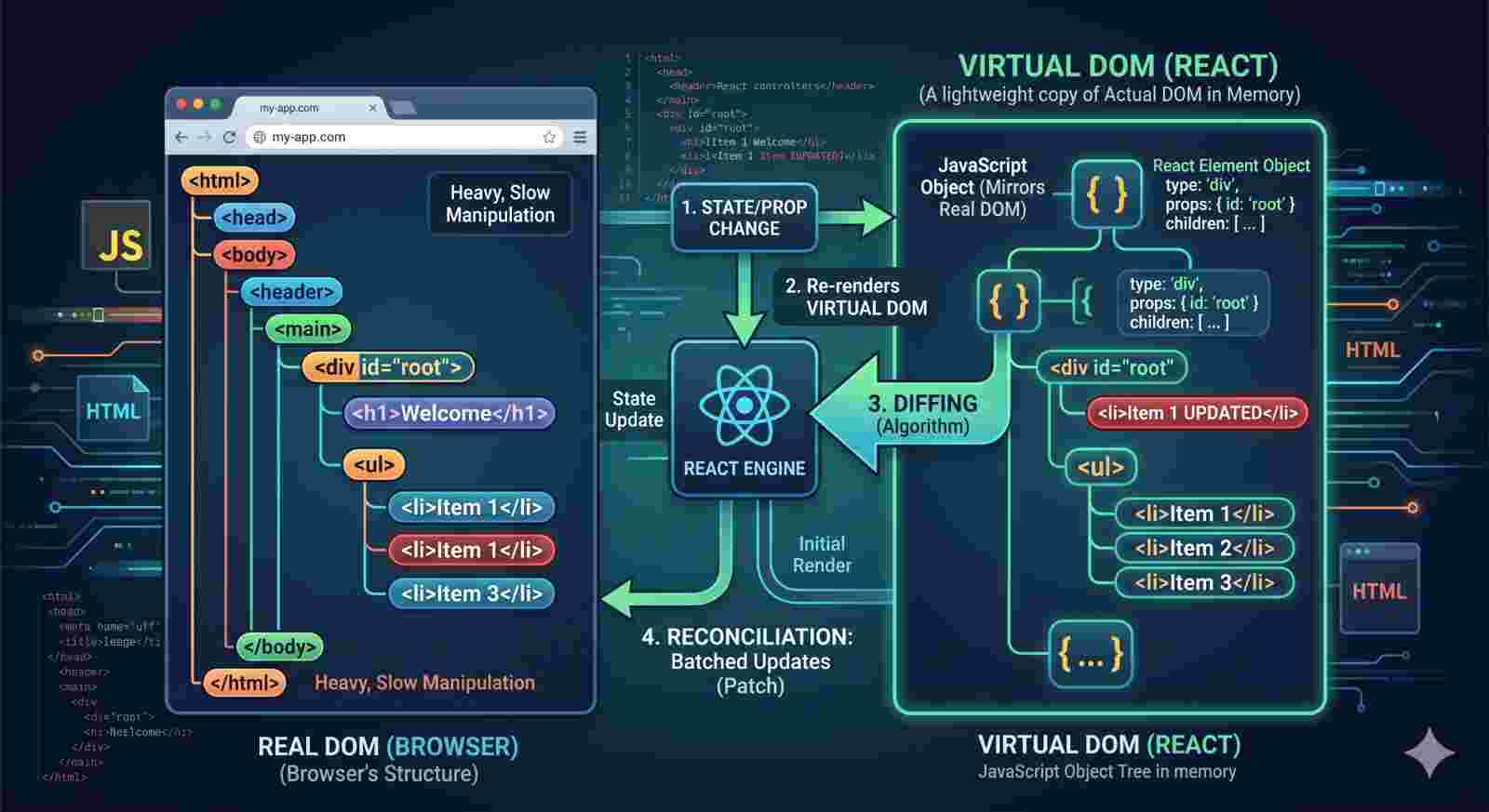
JavaScript as a programming language
The evolution of JavaScript from a browser script to a global language.

What is the programming language?
Programming language is just a tool that allows us to write code that will instruct a computer to do something.
What is the JavaScript?
JavaScript is a high level language, which means that we don’t have to think about a lot of complex stuff such managing computer’s memory while it runs the program.
There are a lot of so-called abstractions over all these small details that we don’t want worry about. And this makes the language a lot easier to write and to learn.
It’s Object Oriented(Based on objects for storing most kind of data) and multi-paradigm(Can use different programming styles) language.
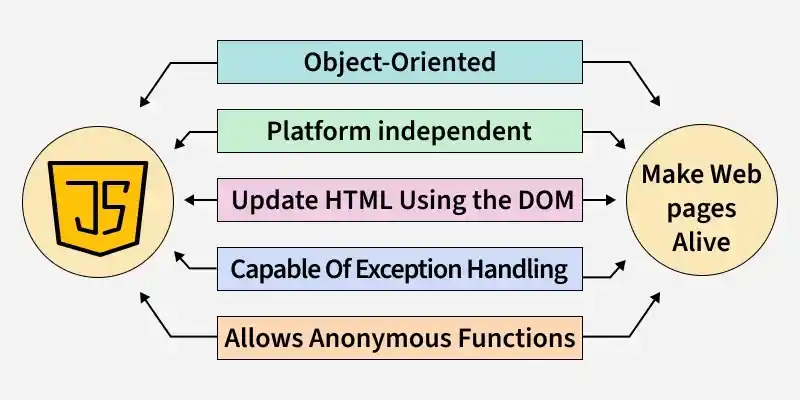
Popularity of JavaScript
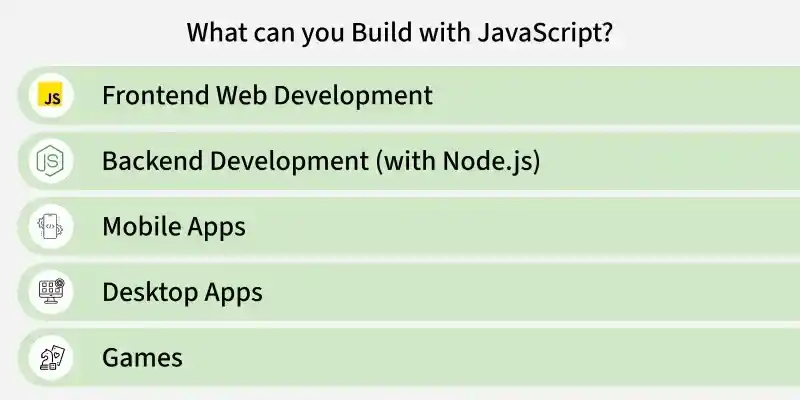
Dynamic Typing
JavaScript has a feature called dynamic typing. It means when you create a new variable, you don’t have to manually define the data type of the value that it contains.
JavaScript automatically determines the data type of the value when it’s stored into a variable. In JavaScript that value has a type not variable.
type of a value that is hold by a variable.Programming Paradigms in JavaScript
JavaScript supports both imperative and declarative programming styles:
Imperative Programming : Focuses on how to perform tasks by controlling the
flowof computation. This includes approaches likeproceduralandobject-orientedprogramming, often using constructs likeasync/awaitto handle asynchronous actions.Declarative Programming : Focuses on what should be done rather than how it’s done. It emphasizes describing the desired result, such as with
arrow functions, without detailing the steps to achieve it.
Variables
Variable can be said as container / label to contain some value. To store some value in memory, the variable is used for it.
Variables can be declared using
var,let, orconstJavaScript is dynamically typed, so
types of valuesare decided at runtime.You don’t need to specify a data type when creating a variable.
var (function and global scoped), let and const (local scoped).varcan bere-declaredin the same scope, butletandconstcannot be re-declared.
var x = 10;
var x = 20; // Allowed

let y = 30;
let y = 40; // SyntaxError

const z = 50;
const z = 60; // SyntaxError
array or objects even if declared as const. How? Because their reference is saved in stack while value in heap.let name = "JS";

Rules for Naming Variables
When naming variables in JavaScript, follow these rules
Variable names must begin with a
letter (A to Z or a to z),underscore (_), ordollar sign ($).Subsequent (after that) characters can be letters, numbers, underscores, or dollar signs.
Variable names are case-sensitive (e.g.,
ageandAgeare different variables).Reserved keywords (like
function,class,return, etc.) cannot be used as variable names.
Data Types
It’s an attribute (quality) that identifies (recognizes) a piece of data and instructs (tells) a computer system on how to interpret (explain) its value is called a data type.
The data has type (e.g. number, string, boolean etc.) is data type.
simple, immutable values stored directly in memory, ensuring efficiency in both memory usage and performance.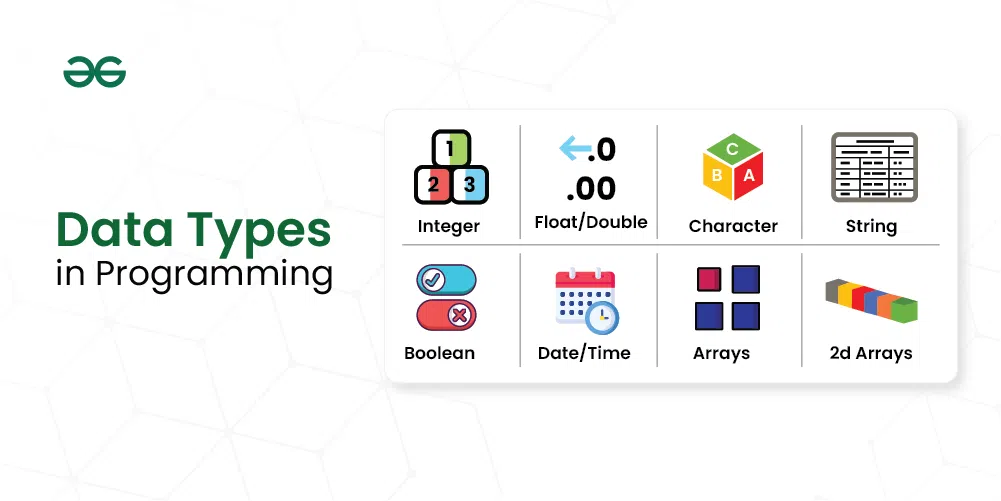
Data-types in JavaScript
1. Number
integers and floating-point numbers. Special values like Infinity, -Infinity, and NaN represent infinite values and computational errors, respectively.let n1 = 2;
console.log(n1)
let n2 = 1.3;
console.log(n2)
let n3 = Infinity;
console.log(n3)
let n4 = 'something here too' / 2;
console.log(n4)
2. String
quotes. There are three types of quotes in JavaScript, which are ‘string’, ”string”, and `string`. (Single quotes, Double quotes, & Backticks).let s1 = "Hello There";
console.log(s1);
let s2 = 'Single quotes work fine';
console.log(s2);
let s3 = `can embed ${s1}`;
console.log(s3);
3. Boolean
let b1 = true;
console.log(b1);

let b2 = false;
console.log(b2);
4. null
null value.const middleName = null;
//Explicitly define empty. null can be said as empty
5. undefined
const firstName;
//Value (undefine) taken by a variable that is not yet define.
6. BigInt (Introduced in ES2020)
built-in object that provides a way to represent whole numbers greater than 253. The largest number that JavaScript can reliably represent with the Number primitive is 253, which is represented by the MAX_SAFE_INTEGER constant.let b = BigInt("0b1010101001010101001111111111111111");
let largeNumber = 1234576454525657535n;
console.log(b);
console.log(largeNumber);
7. Symbol (Introduced in ES6)
ES6, are unique and immutable primitive values used as identifiers for object properties. They help create unique keys in objects, preventing conflicts with other properties.let s1 = Symbol("JS");
let s2 = Symbol("JS");
console.log(s1 == s2); //false
8. object (most important)
let obj = {
    type: "Company",
    location: "Noida"
}
console.log(obj.type)
object. Primitive data types are 7Comments
In programming, we use comments to literally comment code or deactivate code without deleting it. We can do comments in two types.
JS engine doesn't parse these comments, they are for developers and explain the code.
Single line comment
(//….)Multi line comment
(/* … */)
//let javascript = "FUN!";

/*
if (true) {
    var x = 10;
    let y = 20;
}

console.log(x);
console.log(y);
*/
Operators in JavaScript
JavaScript operators are symbols or keywords used to perform operations on values and variables.
They are the building blocks of JavaScript expressions and can manipulate data in various ways.
1.Arithmetic Operators (+, -, , /, %, *)
addition, subtraction, multiplication, etc.const sum = 5 + 3; // Addition
const diff = 10 - 2; // Subtraction
const prodcut = 4 * 2; // Multiplication
const quotient = 8 / 2; // Division
const exponent = 4 ** 2; //Exponentiation
const remainder = 4 % 2; //modulous
console.log(sum, diff, prodcut, quotient, exponent, remainder);
** Exponent operator, it raised the second operand as a power of first operand. % Modulus operator, it's used to calculate the remainder.2.* *Comparison / Relational Operators (==, !=, ===, !==, >, <, >=, <=, in, insteadof)
boolean value based on the comparison result. These are useful for making decisions in conditional statements. They are used to compare its operands and determine the relationship between them.console.log(10 > 5);
console.log(10 === "10");
>checks if the left value is greater than the right.===checks for strict equality (both type and value).Other operators include
<, <=, >=,and!==.
const obj = { length: 10 };
console.log("length" in obj);
console.log([] instanceof Array);
inchecks if a property exists in anobject.instanceofchecks if anobjectis an instance of aconstructor.
3.Assignment Operators (=, +=, -=, *=, /=, %=)
+= These called compound assignment operators.let n = 10;
n += 5;
n *= 2;
console.log(n);
=assigns a value to a variable.+=adds and assigns the result to the variable.=multiplies and assigns the result to the variable.
4. Ternary Operator (condition? “true”: “false”)
const age = 18;
const status = age >= 18 ? "Adult" : "Minor";
console.log(status);
condition ? expression1 : expression2 evaluates expression1 if the condition is true, otherwise evaluates expression2.
5. Logical Operators (&&, ||, !)
console.log(true && 10);     //output: 10
console.log("Hi" || "Bye"); //output: Hi
console.log(!true);        //output: false
JavaScript doen't always evaluate the entire expression.
As a logical expression is evaluated left to right , JavaScript stops execution as soon as the final outcome is determined***.*** If the result is clear***,*** javascript short-circuits (stop) the process and ignores the remaining expressions or function calls on the right.
Logical operators in JavaScript don't just return true or false - they actually return the value of the operand where the evaluation stopped.
falsy && anythingis short-circuit evaluated to thefalsyvalue.truthy || anythingis short-circuit evaluated to thetruthyvalue.nonNullish ?? anythingis short-circuit evaluated to thenon-nullishvalue.
6. Unary Operators (++, —, +, -, typeof, void, delete)
These operators, operate on a single operand.
let x = 5;

console.log(+x);
console.log(-x);

console.log(++x);
console.log(--x);
+converts a value to anumber.-negates a value (changes itssign).
++ increments a value by 1.
-- decrements a value by 1.
typeof returns the data type of a variable.
delete removes a property from an object.