
JavaScript Objects Explained: From Properties to Destructuring, Optional Chaining & Methods
A beginner-friendly guide to understanding, accessing, and working with objects, nested data, arrays, and modern JavaScript features.

How Do You Work with Accessing Properties from Nested Objects and Arrays in Objects?
When working with JavaScript, you'll often encounter complex data structures that involve nested objects and arrays within objects.
These structures can represent rich, hierarchical data, but they also require a clear understanding of how to access and manipulate the data within them. Let's explore how to navigate these nested structures effectively.
Accessing properties from nested objects involves using the dot notation or bracket notation, much like accessing properties from simple objects. However, you'll need to chain these accessors to drill down(deep down) into the nested structure.
For example, let's consider a nested object representing a person with contact information:
const person = {
  name: "Alice",
  age: 30,
  contact: {
    email: "alice@example.com",
    phone: {
      home: "123-456-7890",
      work: "098-765-4321"
    }
  }
};
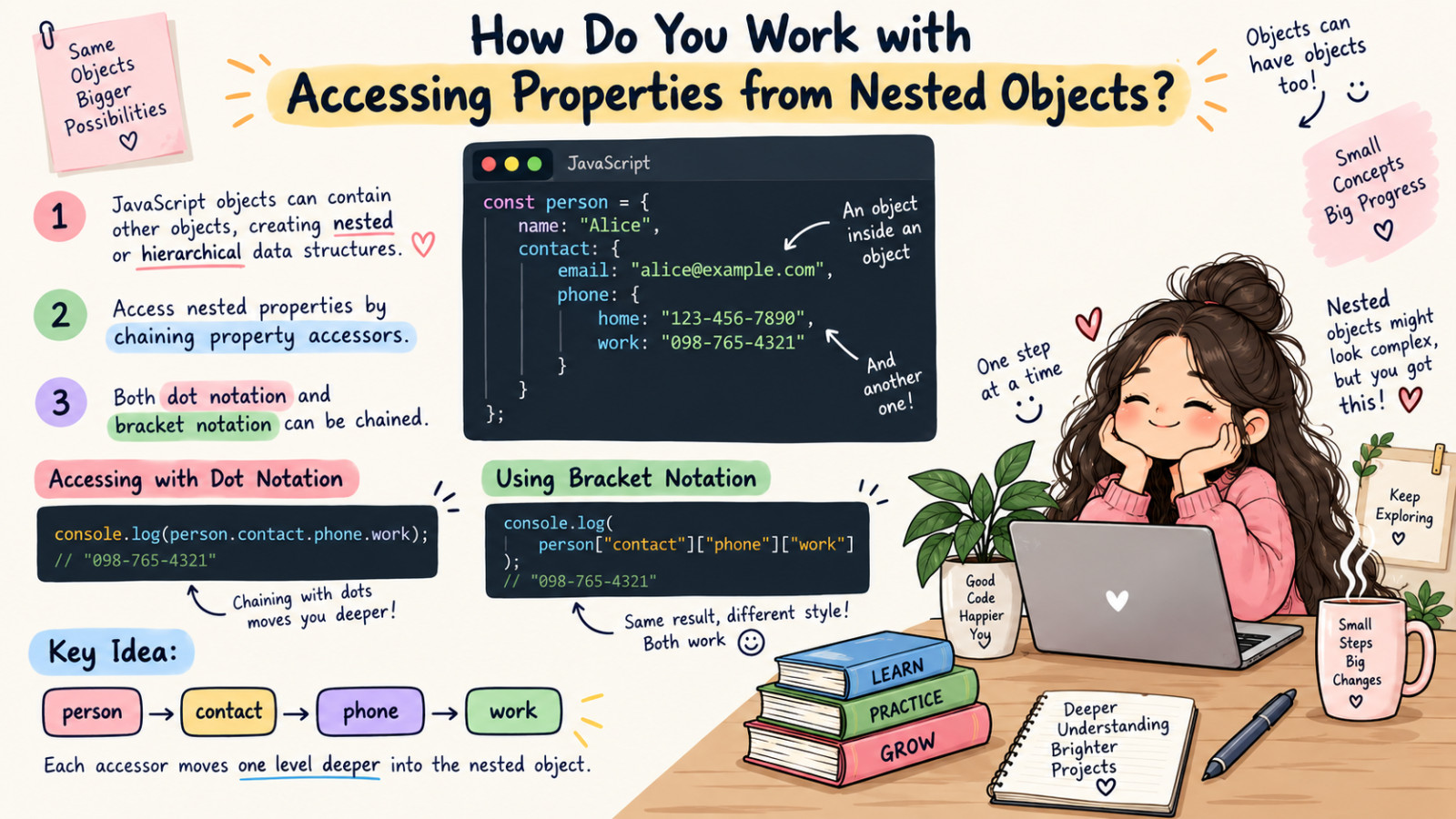
To access Alice's work phone number, you would chain the property accessors like this:
const person = {
  name: "Alice",
  age: 30,
  contact: {
    email: "alice@example.com",
    phone: {
      home: "123-456-7890",
      work: "098-765-4321"
    }
  }
};

console.log(person.contact.phone.work); // "098-765-4321"
You can also use bracket notation, which is particularly useful when property names include spaces or special characters, or when you're using variables to access properties:
const person = {
  name: "Alice",
  age: 30,
  contact: {
    email: "alice@example.com",
    phone: {
      home: "123-456-7890",
      work: "098-765-4321"
    }
  }
};

console.log(person['contact']['phone']['work']); // "098-765-4321"
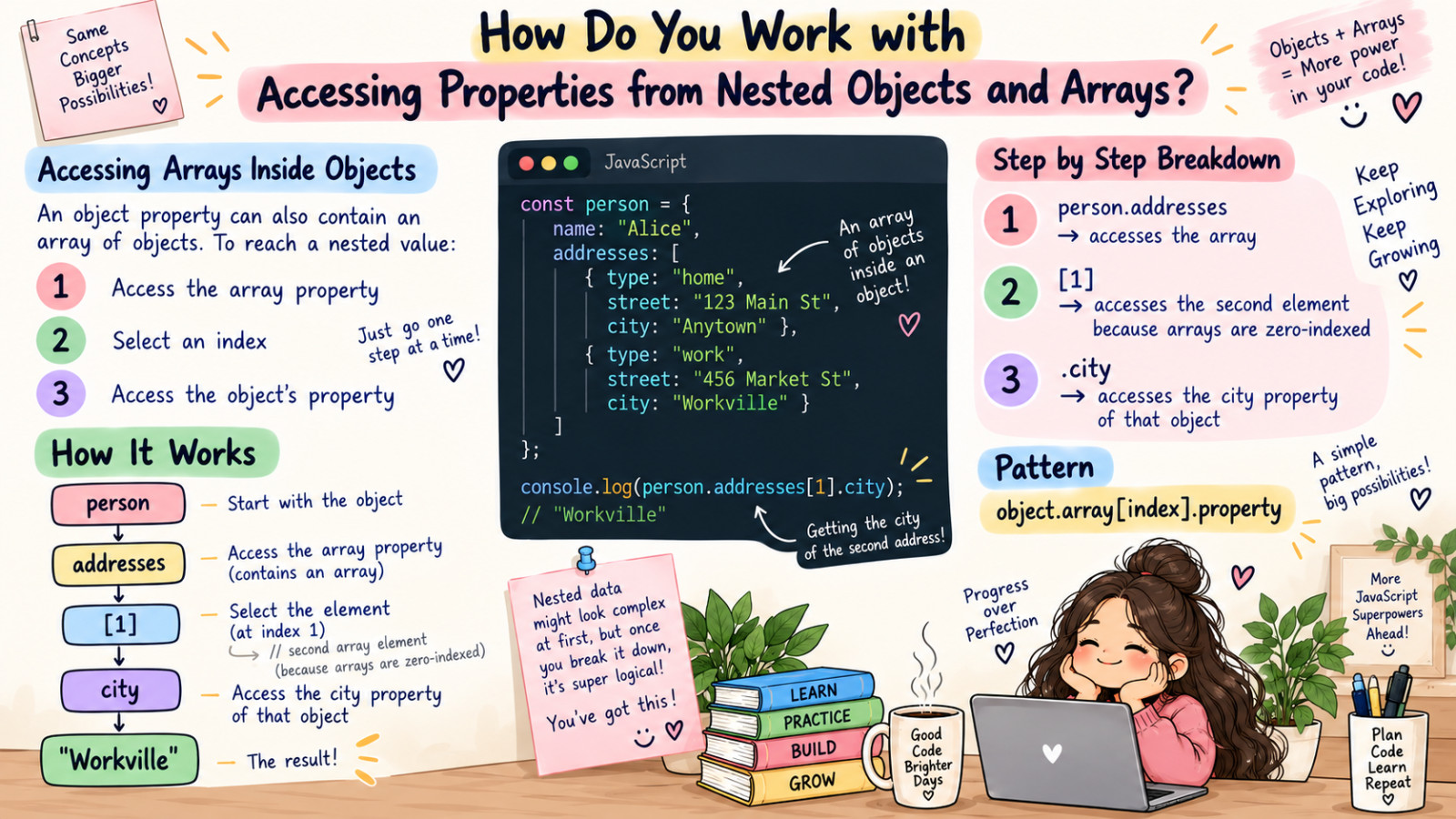
Now, let’s take a look at how we can access data where one of the object properties has the value of an array. Here is a modified person object that includes an array of addresses:
const person = {
  name: "Alice",
  age: 30,
  addresses: [
    { type: "home", street: "123 Main St", city: "Anytown" },
    { type: "work", street: "456 Market St", city: "Workville" }
  ]
};
Here is an example of how to access Alice's work address city:
const person = {
  name: "Alice",
  age: 30,
  addresses: [
    { type: "home", street: "123 Main St", city: "Anytown" },
    { type: "work", street: "456 Market St", city: "Workville" }
  ]
};

console.log(person.addresses[1].city); // "Workville"
In this example, person.addresses refers to the array of addresses. To access the second address in that array, we use bracket notation and index 1. Then, we use dot notation to access the city from that addresses object.
What Is the Difference Between Primitive and Non-Primitive Data Types?
In JavaScript, understanding the difference between primitive and non-primitive data types is important for writing efficient and bug-free code.
These two categories of data types behave differently in terms of how they are stored in memory and how they are manipulated in your programs.
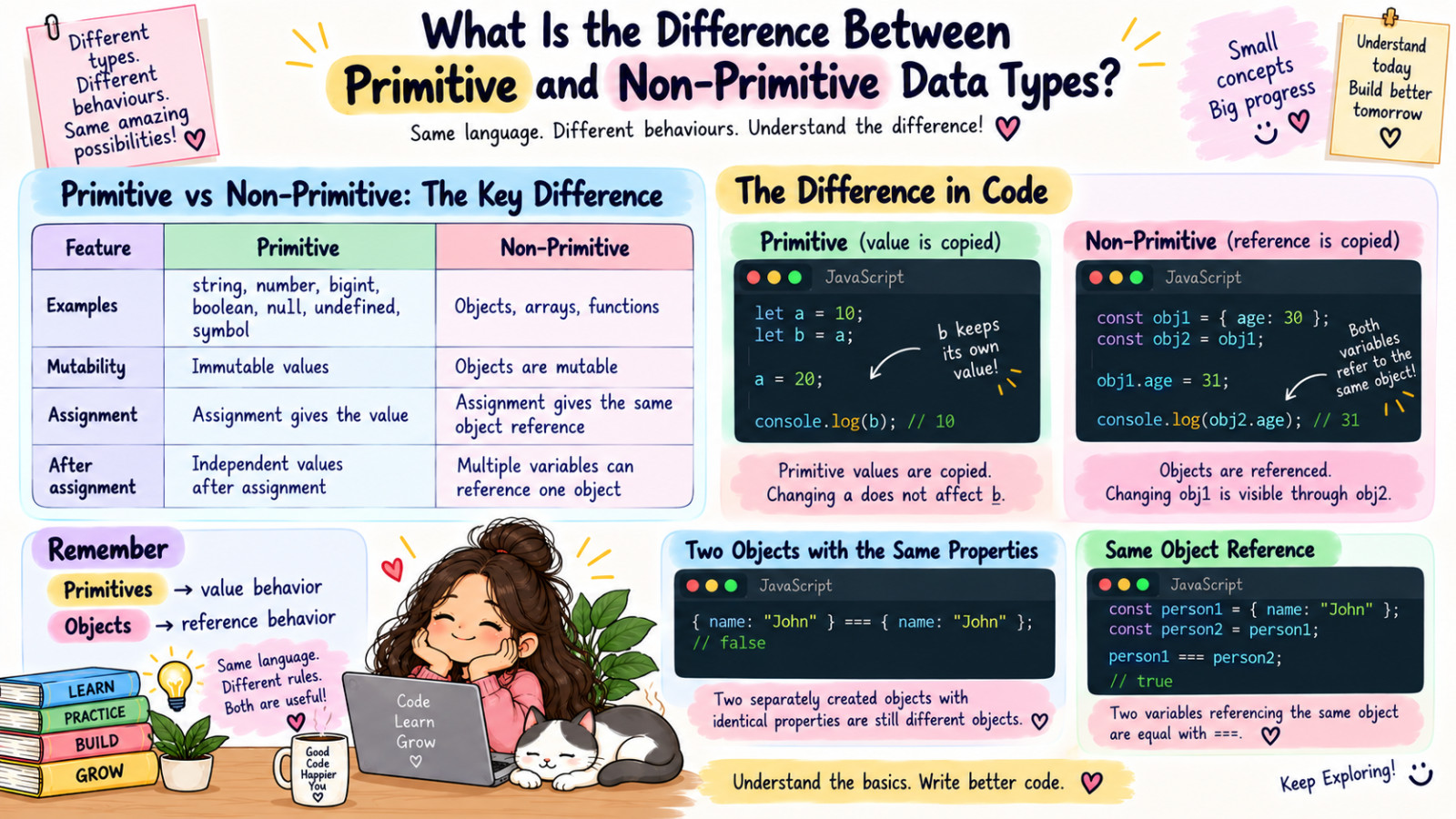
Primitive data types are the simplest form of data in JavaScript. They include number, bigint, string, boolean, null, undefined, and symbol. These types are called "primitive" because they represent single values and are not objects.
When you work with primitive data types, you're dealing directly with their values. For example, when you create a variable with a primitive value, that value is stored directly in the variable.
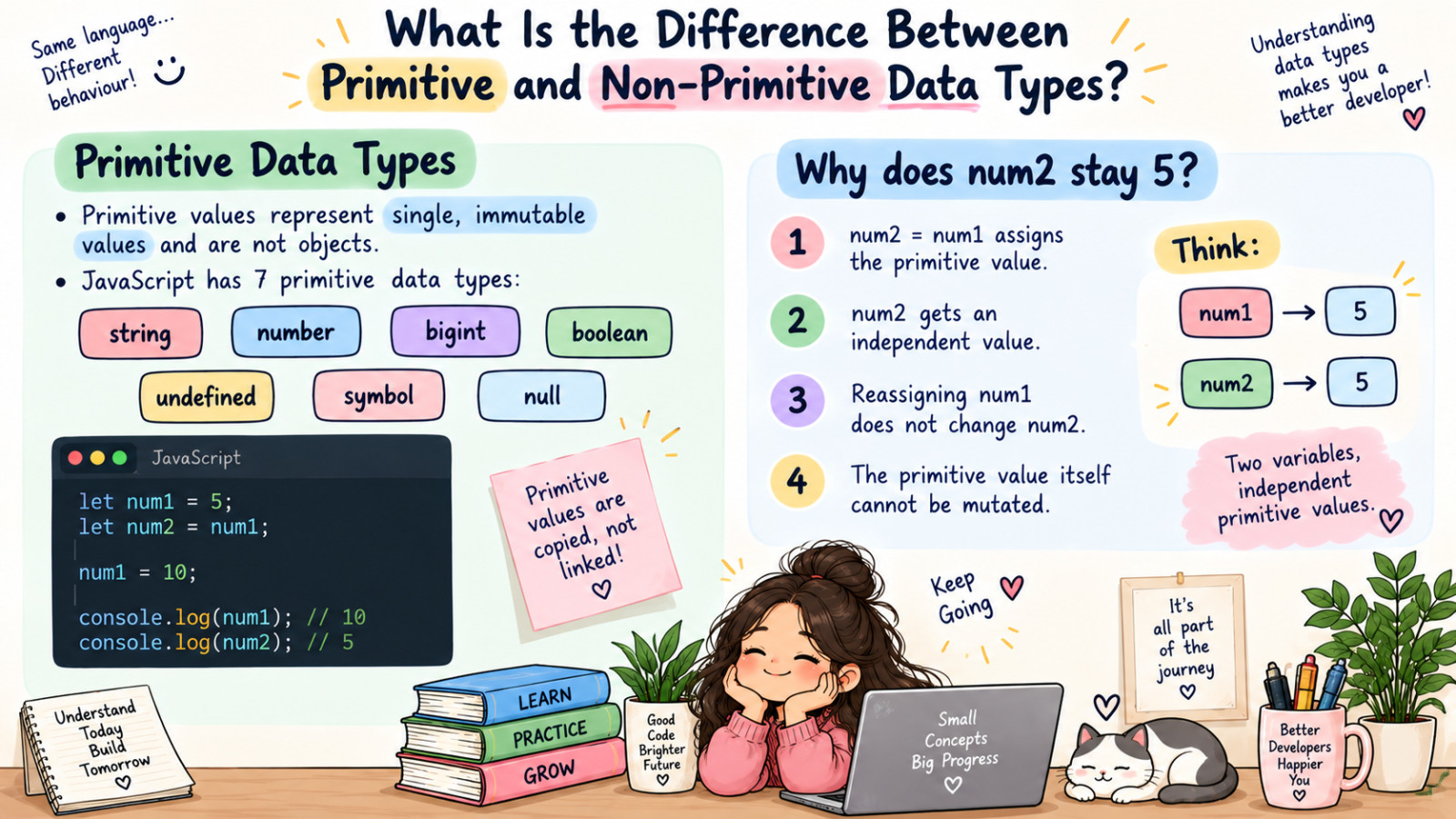
Primitive values are immutable, which means once they are created, their value cannot be changed. However, you can reassign a new value to the variable. Here's an example of working with primitive data types:
let num1 = 5;
let num2 = num1;
num1 = 10;

console.log(num2); // 5
In this example, we are assigning a primitive value (5) from num1 to num2. This creates an independent copy of the value. As a result, any changes made to the original variable (num1) do not affect the copy (num2).
Non-primitive data types, on the other hand, are more complex. In JavaScript, these are objects, which include regular objects, arrays, and functions. Unlike primitives, non-primitive types can hold multiple values as properties or elements.
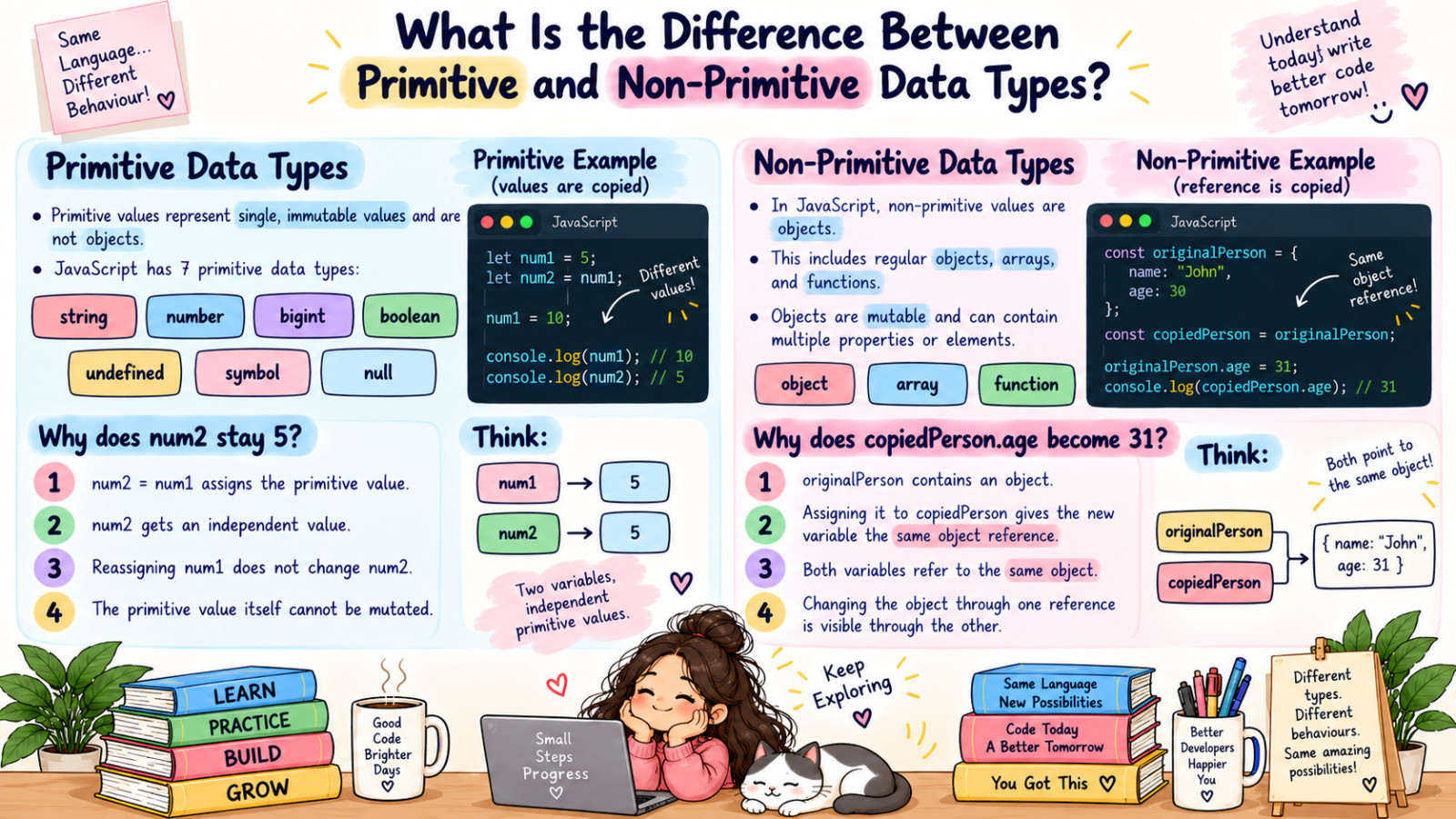
When you create a variable with a non-primitive value, what's stored in the variable is actually a reference to the location in memory where the object is stored, not the object itself. This leads to some important differences in behavior. Here's an example with non-primitive types:
const originalPerson = { name: "John", age: 30 };
const copiedPerson = originalPerson;

originalPerson.age = 31;

console.log(copiedPerson.age); // 31
In this example we have an object called originalPerson with two properties of name and age. We then assign the originalPerson object to a variable called copiedPerson.
Then we update the age value for the originalPerson object. When we log the age property of copiedPerson object it shows the updated value.
But why is that happening? This occurs because both originalPerson and copiedPerson are referencing the same object in memory.
In JavaScript, when you assign an object to another variable, you're copying the reference to the object, not the object itself. This is known as shallow copying by reference. As a result, any changes made to the object through one reference are reflected in all references to that object.
What Is the Optional Chaining Operator, and How Does It Work?
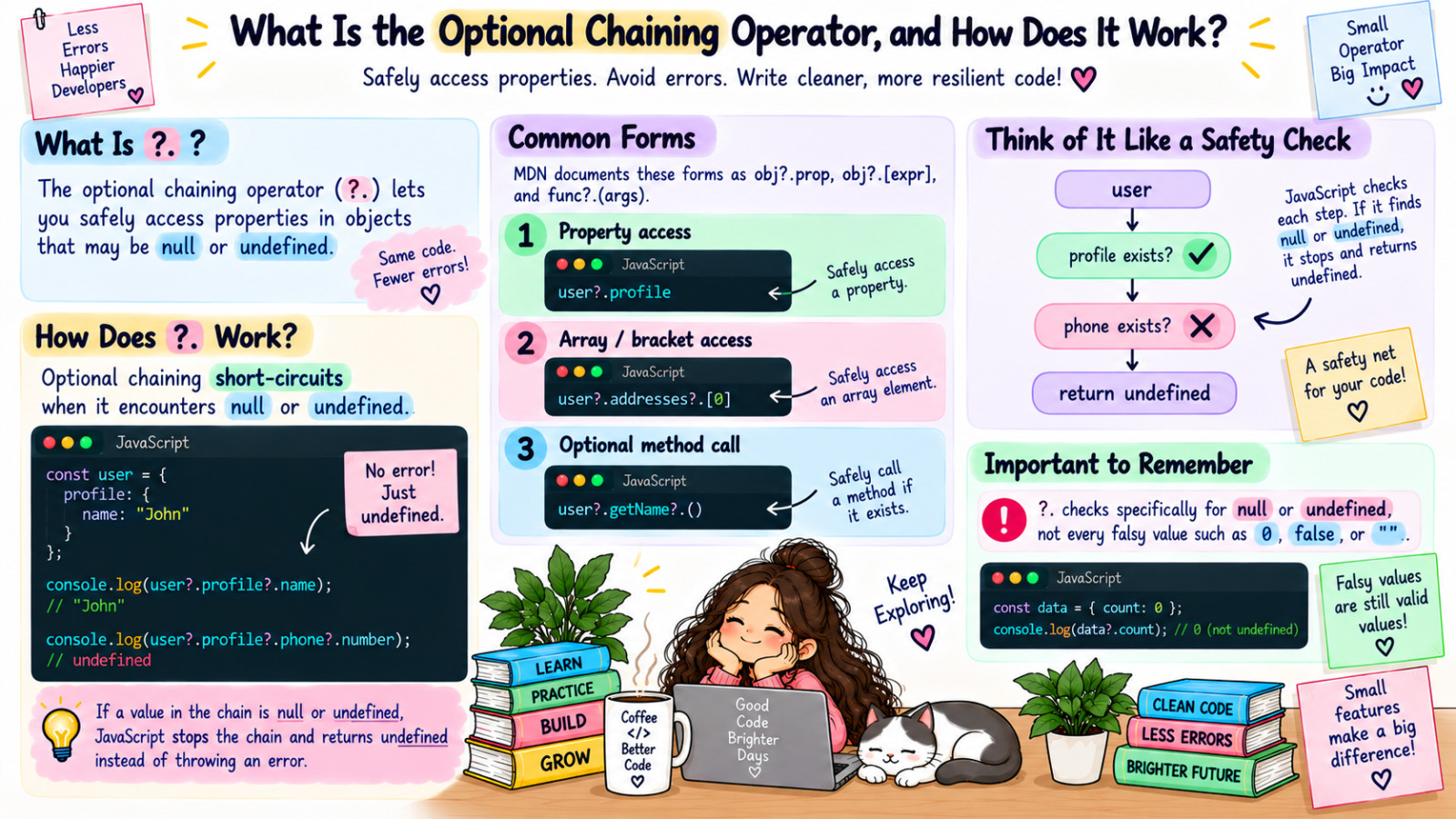
The optional chaining operator (?.) is a useful tool in JavaScript that lets you safely access object properties or call methods without worrying whether they exist. It's like a safety net for working with objects that might have missing parts.
const person = {
  name: "Alice",
  age: 30
};

console.log(person.name); // "Alice"
console.log(person.job); // undefined
In this example, person.name exists, so it logs Alice. But person.job doesn't exist, so it gives us undefined.

Now, let's say we want to access a property of an object that might not exist:
const person = {
  name: "Alice",
  age: 30
};

console.log(person.address.street); // This will throw an error!
This example will throw an Uncaught TypeError. Since person.address is undefined, we are not able to access the street property.
This is where the optional chaining operator comes in handy. Here is an example of using the optional chaining operator:
const user = {
  name: "John",
  profile: {
    email: "john@example.com",
    address: {
      street: "123 Main St",
      city: "Somewhere"
    }
  }
};

console.log(user?.profile?.address?.street); // "123 Main St"
console.log(user?.profile?.phone?.number);   // undefined
By using the optional chaining operator, we are telling JavaScript to only continue with the operation if the object (or the value before the ?.) exists and is not null or undefined.
If the value before the ?. is null or undefined, JavaScript returns undefined rather than attempting to proceed with the operation and throwing an error.
What Is Object Destructuring, and How Does It Work?
Object destructuring is a powerful feature in JavaScript that allows you to extract values from objects and assign them to variables in a more concise and readable way.
It's part of the ES6 (ECMAScript 2015) specification and has become an essential tool for many JavaScript developers.
Destructuring can simplify your code, especially when working with complex objects or when you need to extract multiple values at once.
At its core, object destructuring is about unpacking values from objects into distinct variables. Instead of accessing object properties one by one, you can extract multiple properties in a single statement. This can make your code cleaner and more efficient.
Let's start with an example to illustrate how object destructuring works:
const person = { name: "Alice", age: 30, city: "New York" };

const { name, age } = person;

console.log(name); // Alice
console.log(age);  // 30
In this example, we're extracting the name and age properties from the person object and assigning them to variables with the same names.
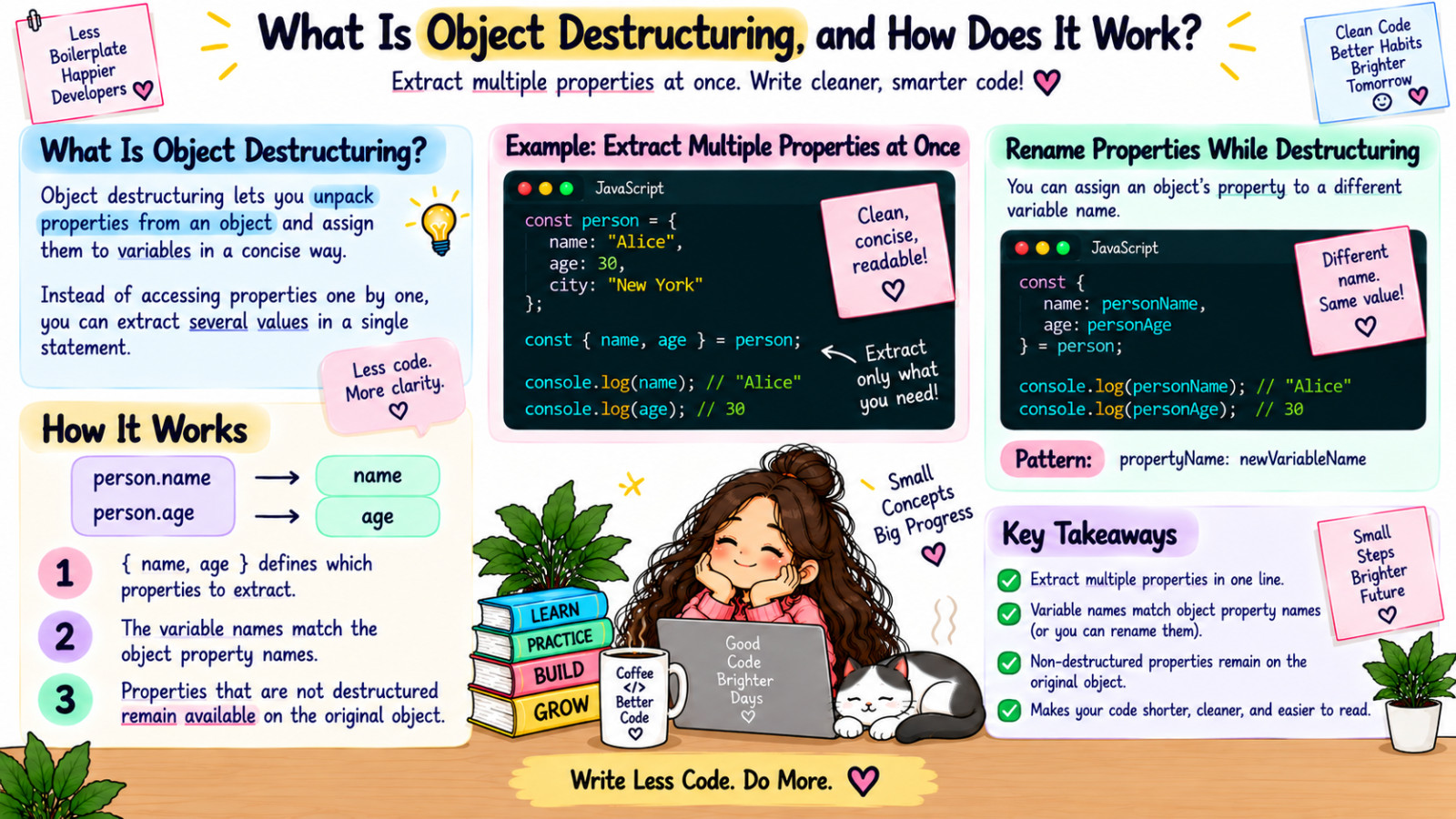
One of the powerful aspects of object destructuring is that you can assign the extracted values to variables with different names. This is particularly useful when you're working with objects that have property names that might conflict with existing variables or when you want to use a different name:
let person = { name: "Alice", age: 30, city: "New York" };

let { name: personName, age: personAge } = person;

console.log(personName); // Alice
console.log(personAge); //  30
In this case, we're extracting the name property and assigning it to a variable called personName, and doing the same with age and personAge.
Object destructuring also allows you to set default values. If a property doesn't exist in the object you're destructuring, you can specify a fallback value:
let person = { name: "Alice", age: 30, city: "New York" };
let { name, age, country = "Unknown" } = person;

console.log(country); // Unknown
Here, since country doesn't exist in our person object, it gets the default value Unknown.
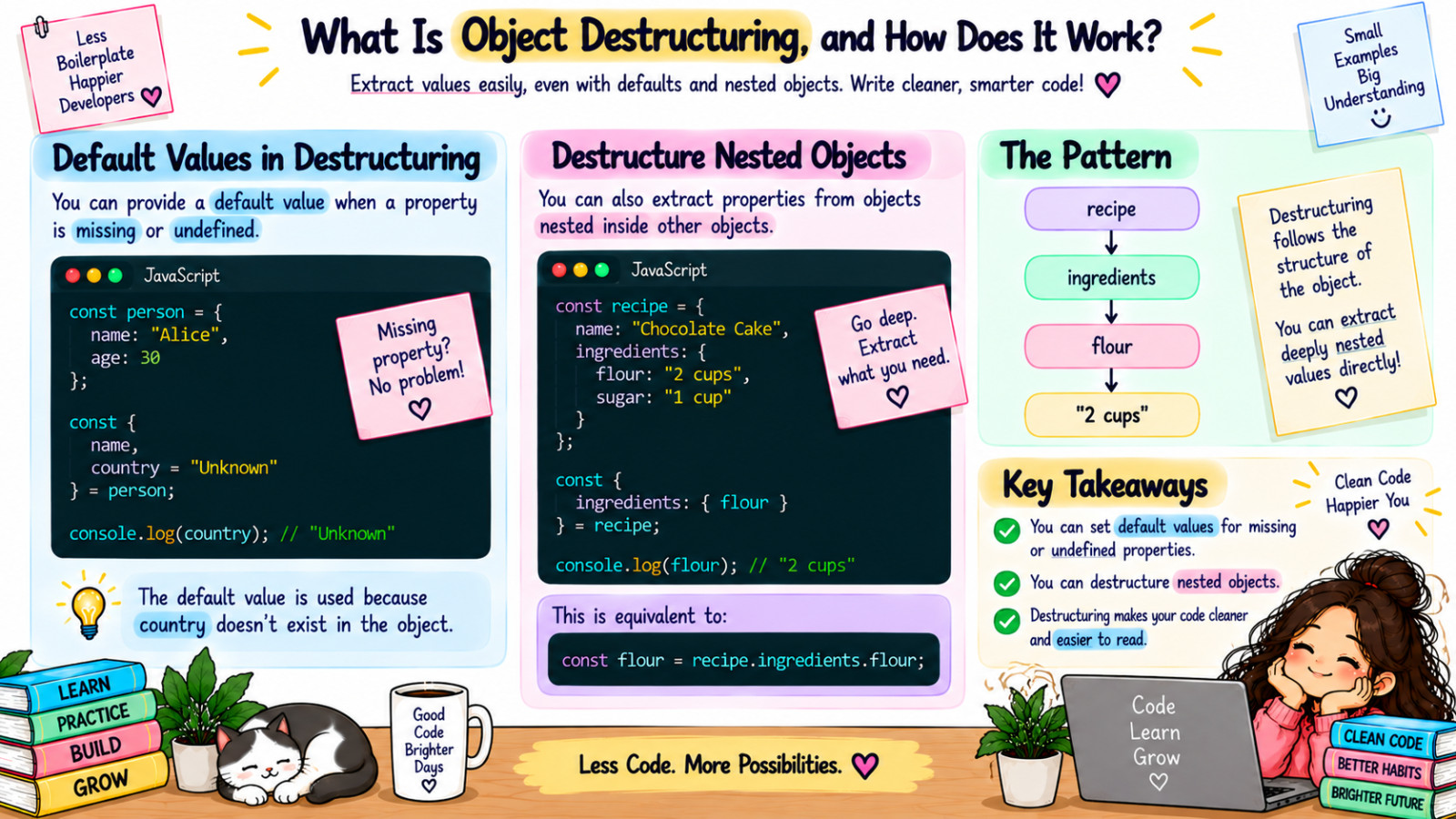
Another common case is nested object destructuring. You can destructure properties nested inside other objects by using another set of braces:
const recipe = {
  name: "Chocolate Cake",
  ingredients: {
    flour: "2 cups",
    sugar: "1 cup"
  }
};

// Extract `flour` from `ingredients`
const { ingredients: { flour } } = recipe;

console.log(flour); // "2 cups"
This is equivalent to accessing the property directly:
const flour = recipe.ingredients.flour;
console.log(flour); // "2 cups"
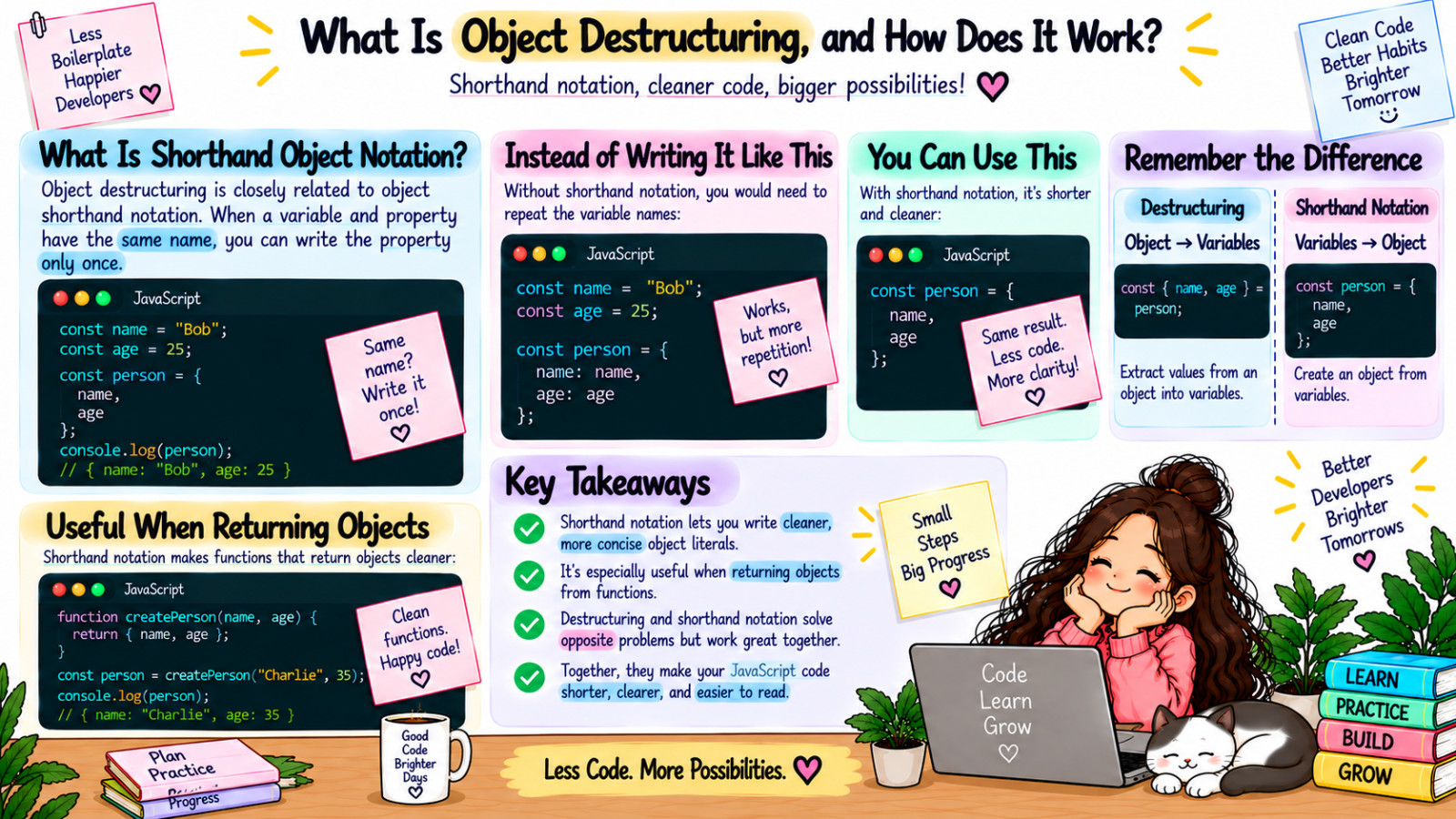
Now, let's talk about the shorthand notation in object destructuring. When you're creating objects, especially when the property names match variable names, you can use a shorthand syntax:
let name = "Bob";
let age = 25;

let person = { name, age };

console.log(person); // { name: "Bob", age: 25 }
The code above takes the properties with the same name as our variables and assigns them the values of those variables.
This shorthand notation is particularly useful when you're returning objects from functions or creating objects with multiple properties:
function createPerson(name, age) {
  return { name, age };
}

let person = createPerson("Charlie", 35);
console.log(person); // { name: "Charlie", age: 35 }
Object destructuring and the shorthand object notation are powerful features that can make your code more concise and easier to read.
What Is the Difference Between Functions and Object Methods?
In JavaScript, functions and object methods are both ways to encapsulate reusable code, but they have some key differences in how they are defined, used, and the context in which they operate. Understanding these differences is crucial for writing effective and organized JavaScript code.
As you learned in earlier modules, functions are reusable blocks of code that perform a specific task:
function greet(name) {
    return "Hello, " + name + "!";
}
console.log(greet("Alice")); // "Hello, Alice!"
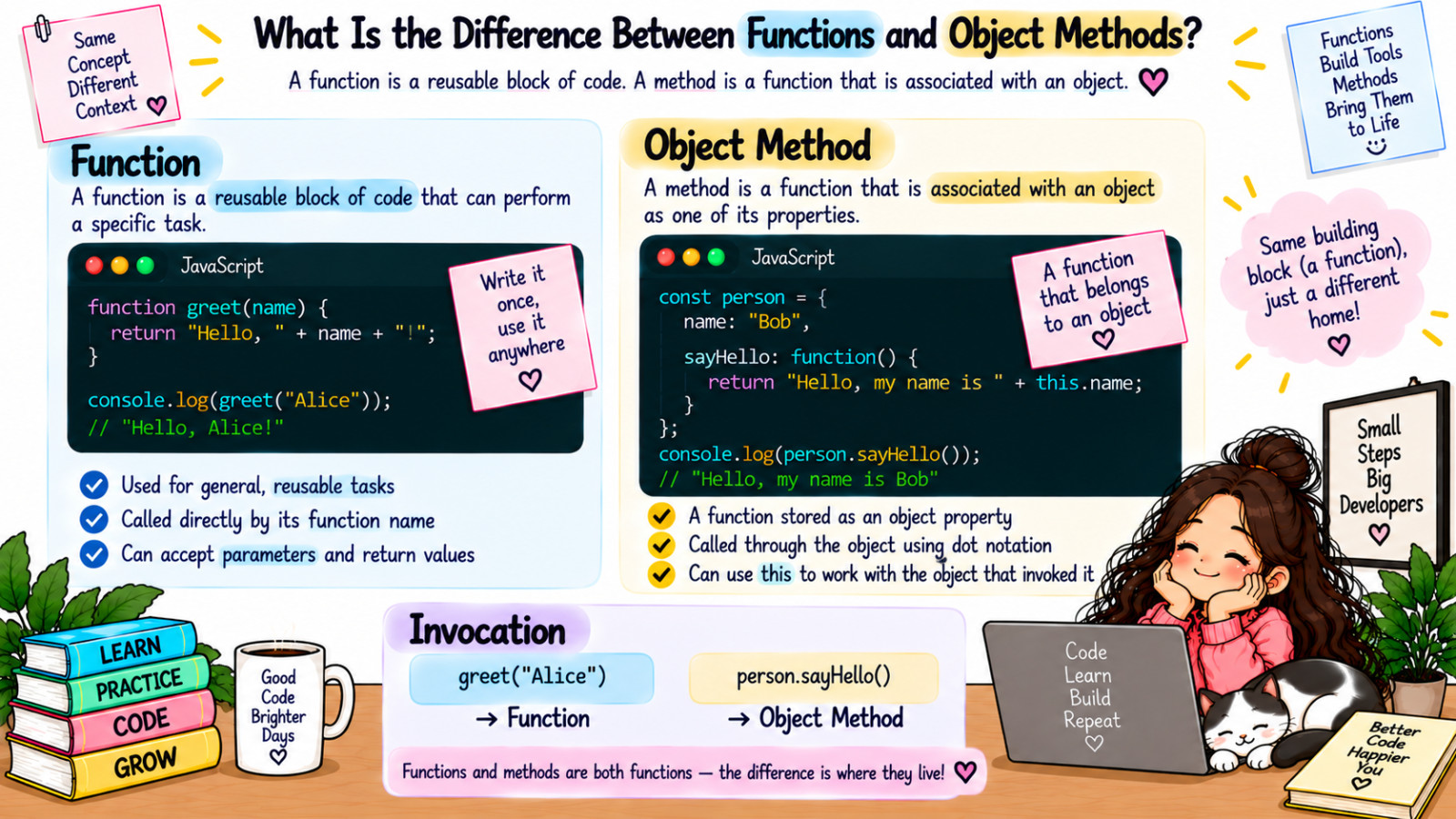
Object methods, on the other hand, are functions that are associated with an object. They are defined as properties of an object and can access and manipulate the object's data. Here's an example of an object with a method:
const person = {
    name: "Bob",
    age: 30,
    sayHello: function() {
        return "Hello, my name is " + this.name;
    }
};

console.log(person.sayHello()); // "Hello, my name is Bob"
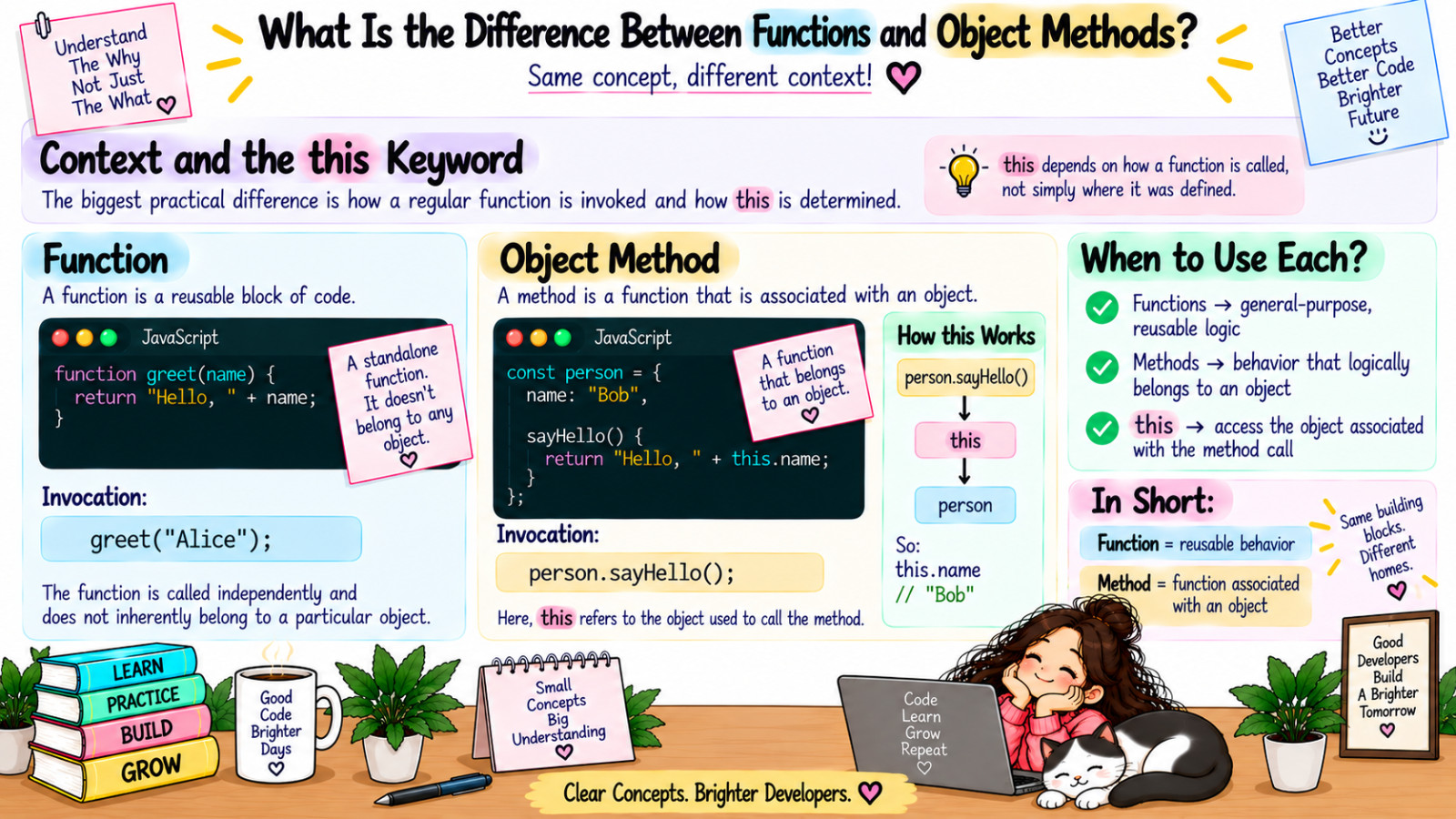
In this example, sayHello is a method of the person object. The this keyword allows the sayHello method to access the properties of the object named person. You will learn more about the this keyword in future lessons.
A difference between functions and methods is how they are invoked. Functions are called by their name, while methods are called using dot notation on the object they belong to. For example, we call the greet function as greet("Alice"), but we call the sayHello method as person.sayHello().
Another important difference is the context in which they operate. Regular functions have their own scope, but they don't have a built-in reference to any particular object. Methods, however, are bound to their object and can access its properties and other methods using the this keyword.
A key point to note is that, methods help in organizing code into logical objects, while functions are used for more general, reusable code.
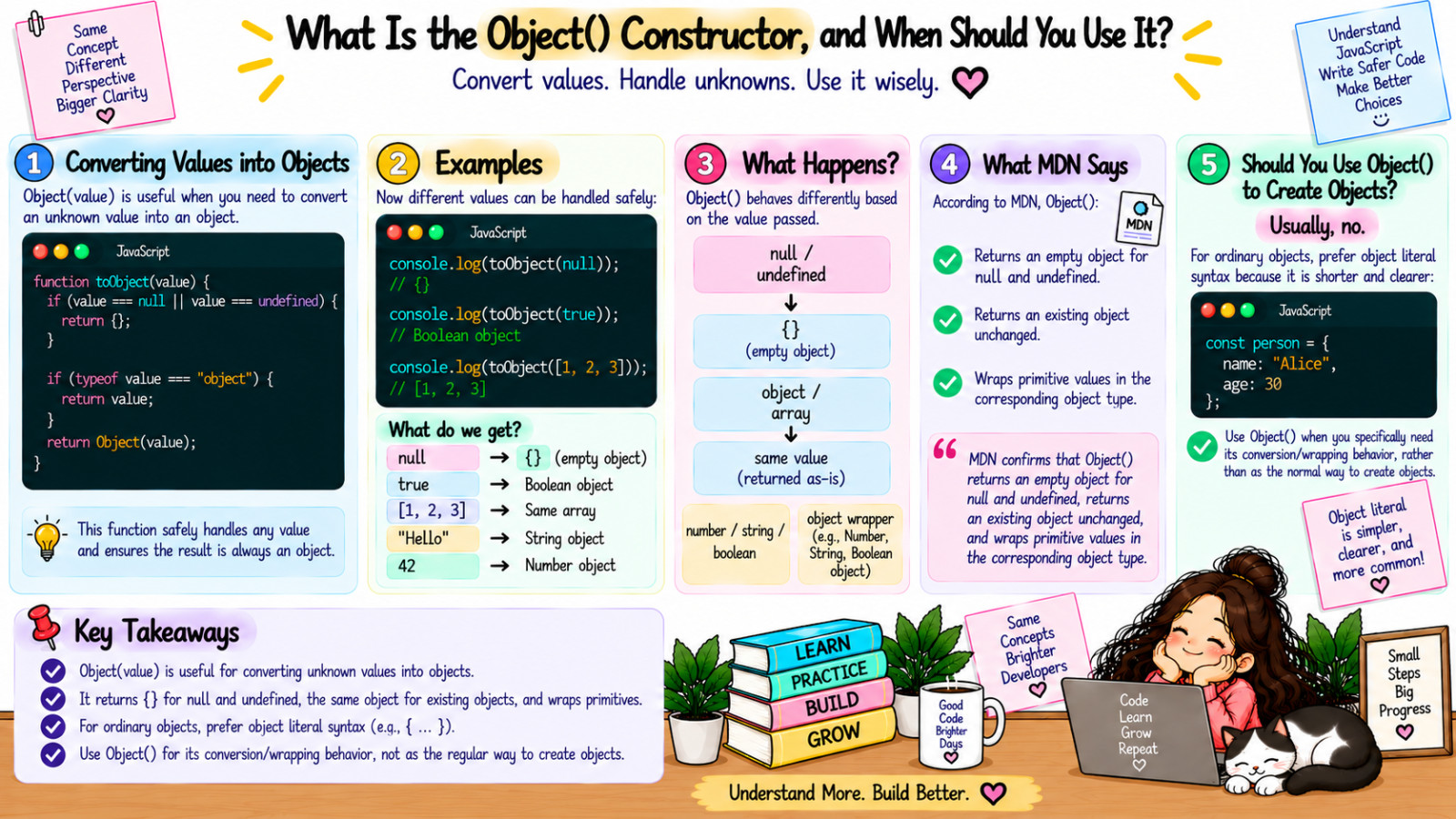
What Is the Object() Constructor, and When Should You Use It?
In JavaScript, a constructor is a special type of function used to create and initialize objects. It is invoked with the new keyword and can initialize properties and methods on the newly created object. In this lesson, we will take a look at how to work with the Object() constructor. The Object() constructor creates a new empty object. Here is an example:
new Object()
When you call new Object(), it returns a new object that can be used to store values. The Object() constructor can be used with or without the new keyword. When called it as a function without new keyword, it behaves differently depending on the type of value passed to it. Here's an example of using the Object() constructor without the new keyword:
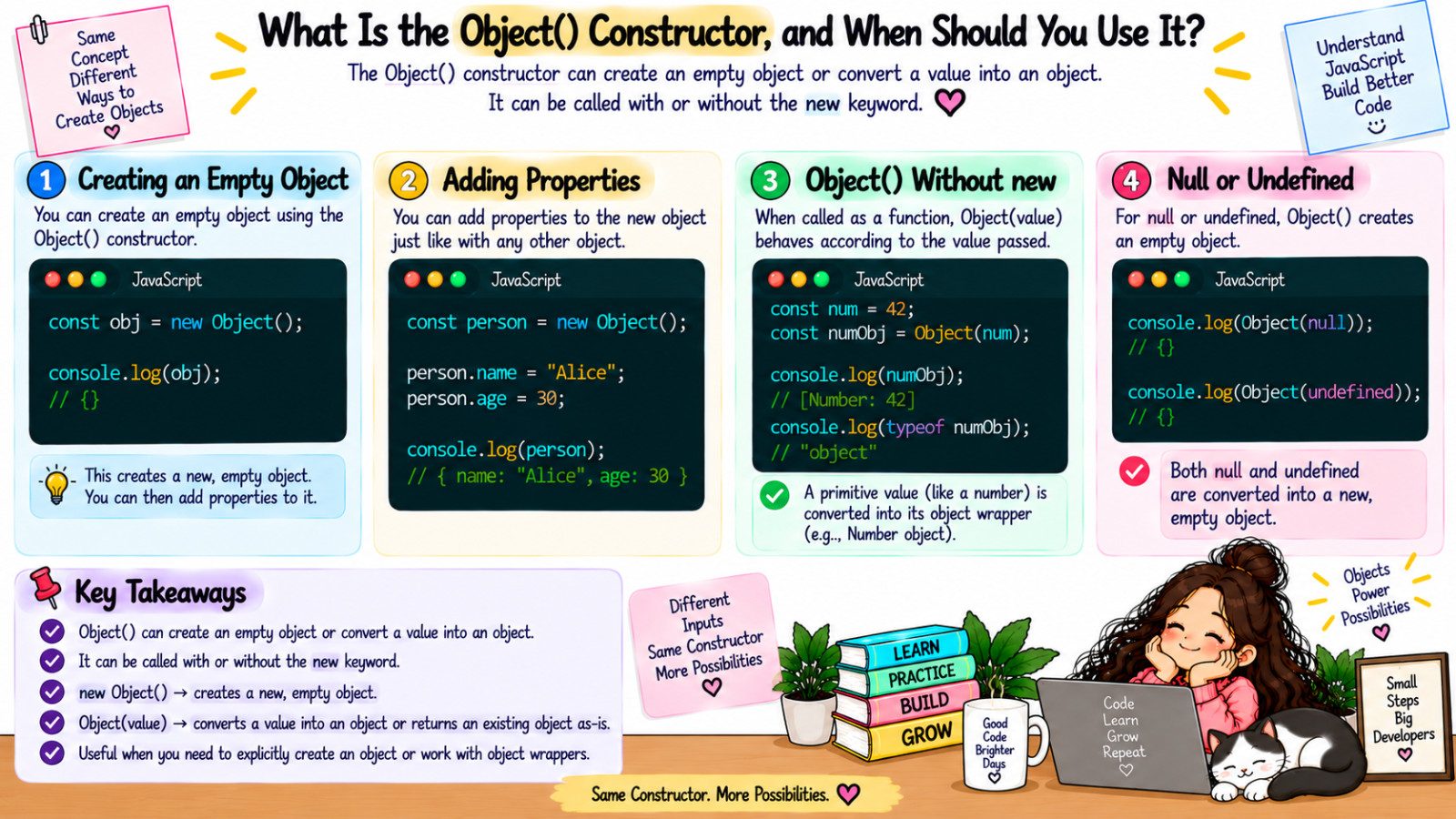
const num = 42;
const numObj = Object(num); // Creates an object wrapper for the number

console.log(numObj);
console.log(typeof numObj); // "object"
As you can see in the second console.log, numObj is an object. This is happening because we used the Object() constructor to turn that input of a number into an object. What happens if we try to pass null or undefined to the Object() constructor?
const newObj = new Object(undefined);
console.log(newObj); // {}
Well, the result will be an empty object. Another use case for the Object() constructor is when you're working with a value of unknown type and you need to ensure it's an object. Let’s take a look at the following example:
function toObject(value) {
  if (value === null || value === undefined) {
    return {};
  }

  if (typeof value === "object") {
    return value;
  }

  return Object(value);
}

console.log(toObject(null));

console.log(toObject(true));

console.log(toObject([1, 2, 3]));
In this example, we have a function called toObject. The second condition will check if the value is a type of object and will return the value if the condition is true. This condition will check for objects as well as arrays since arrays are special types of objects. If neither of the conditions is true, the function returns Object(value), which converts the input into an object. This works for values like numbers, strings, and booleans Most of the time you will not be using the Object() constructor to create new objects because you will be using object literal syntax instead (e.g., const objectLiteral = { name: "Beau" }). But it is still good to understand the basics of working with the Object constructor.